Less on the screen. More room to practice.
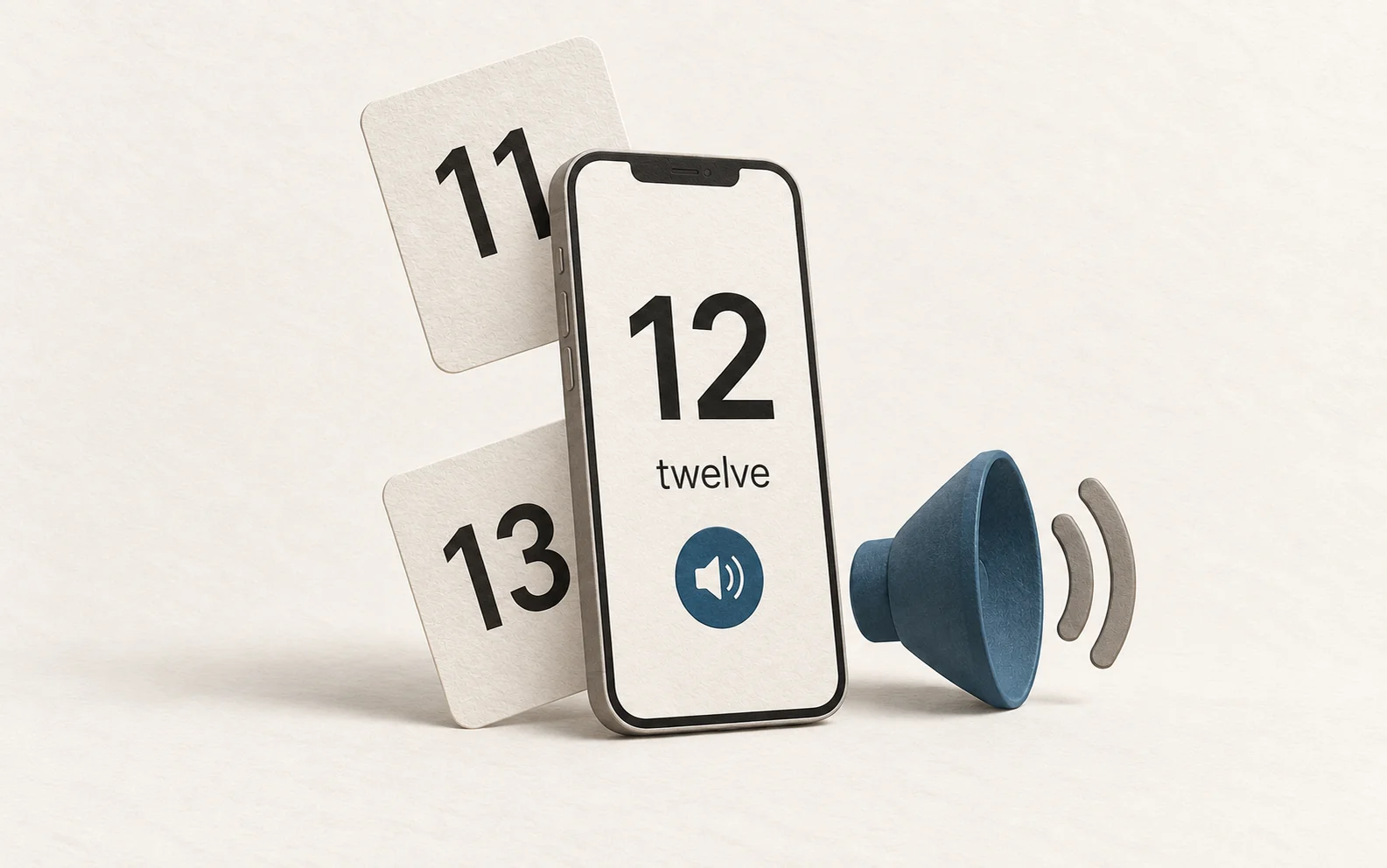
The app fills the iPhone screen with one card at a time. There are no scores, progress bars, or finish lines—just an endless, shuffled deck. A small gear opens the settings; everything else stays out of the way.
Room to grow
I started with 10–20, then added more ways to practice as he gets comfortable. The menu now offers:
- 0–10
- 10–20 · the default
- 10–30
- 13–19 (teens)
- 20–30
- 0–100
- 10–100
- 5–100, counting by fives
- Only 10s: 10, 20, 30 … 100
- 11–99, counting by elevens: 11, 22, 33 … 99
The app remembers the selected range. Every number appears once in each shuffled batch, and the next batch starts without repeating the card that just appeared.
A more natural voice
At first I used Apple’s default text-to-speech voice, but it felt a little too robotic. I used OpenAI’s speech API and the Marin voice to generate 101 audio clips: one for every number from zero through one hundred. Tapping the speaker plays a saved clip, so there’s no need to generate speech—or send an API key—with each tap.
One card, one swipe
I wanted the movement to feel like a short-form video feed. Swipe up and the entire card moves offscreen as the next one arrives; swipe down to revisit the previous card. The number, its name, and the speaker move together, while the gear stays in place.
We used native vertical scrolling with full-screen snapping, then added a small-swipe threshold so a short, deliberate gesture advances the card instead of just nudging it. The app keeps three neighboring cards ready and recenters after a swipe settles, making the deck feel endless. Audio stops when the card starts moving.
A small app for a small daily ritual: look at a number, hear it, say it, and keep going.